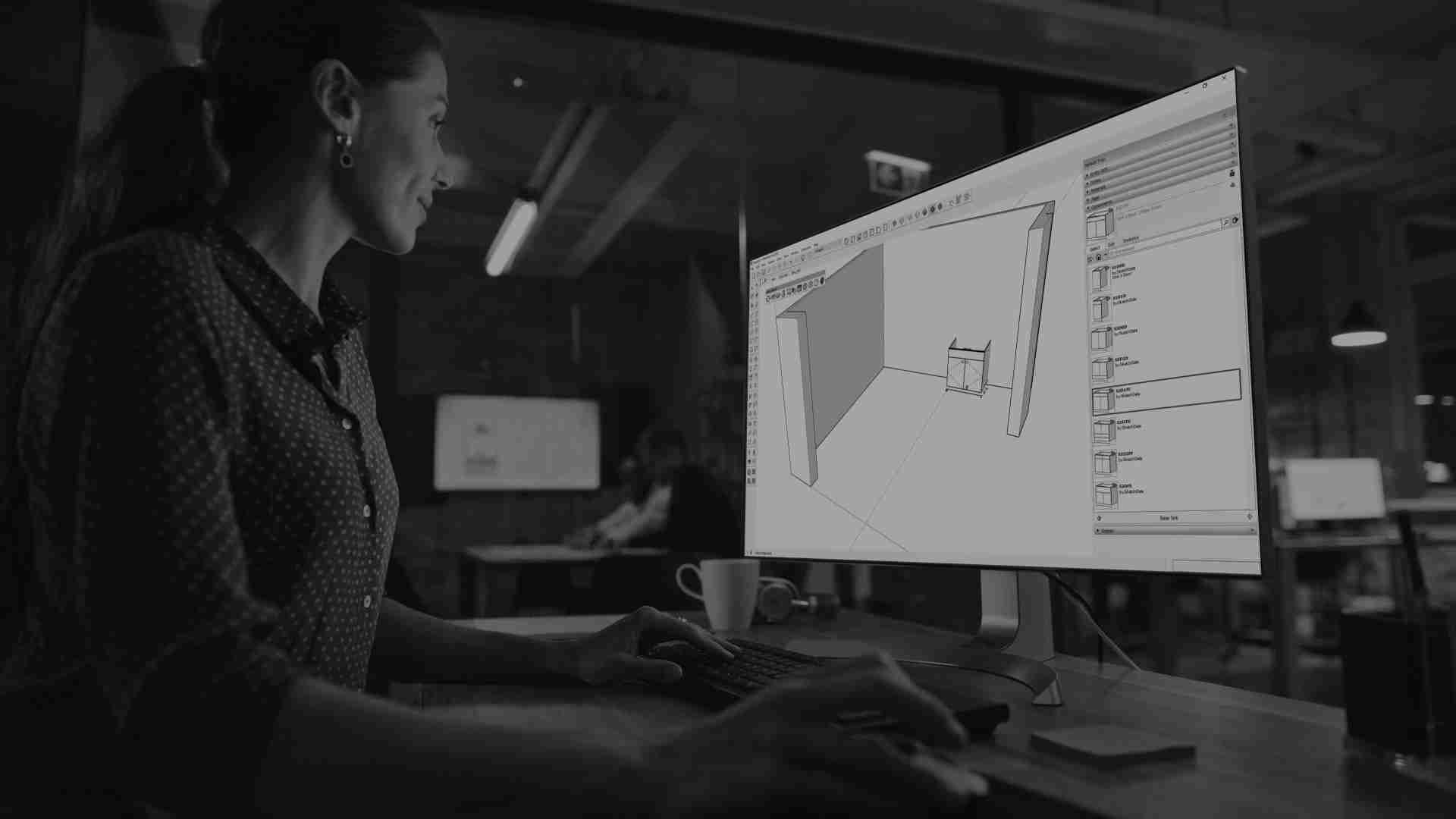
Flexible Software Utilities for the Cabinet and Millwork Industry
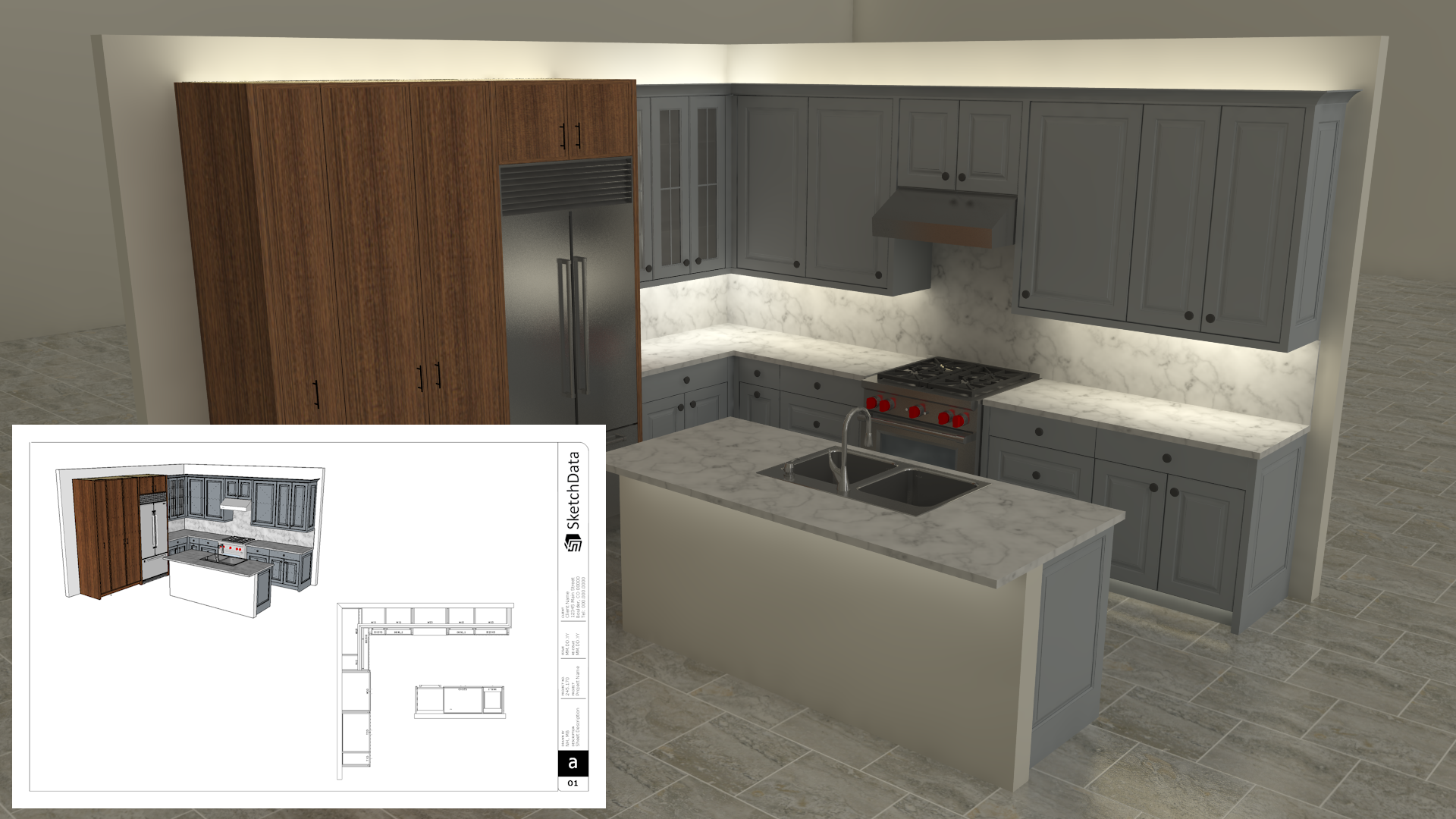
SketchData integrates the speed and flexibility of Sketchup® Pro 3D design software with an optimized cabinet catalog to speed up your design process. Pair render ready hot-swapped cabinet parts with our integrated reporting engine to generate beautiful design drawings and make quick & accurate estimates.


SketchData Cabinet Design Tools
SketchData Cabinet Design Tools, a transformative extension for SketchUp, revolutionizes kitchen design by streamlining the user's workflow. This innovative tool seamlessly integrates into SketchUp's interface, offering a user-friendly experience that enhances efficiency.

Component catalog library
Designing kitchens becomes more intuitive as it provides a vast library of pre-modeled kitchen cabinets. There is no need to worry about recreating cabinet door models or styles, we've got you covered.

Easy drag and drop
Simply drag a cabinet into your design to create a realistic kitchen layout. Add cabinets to match your vision then update the look of the entire room as a group.

Live design workflow
Facilitate real-time collaboration, allowing designers to share projects seamlessly.

Simplify project changes
Advanced parametric features enable swift adjustments, ensuring flexibility and precision in design. SketchData ultimately empowers SketchUp users to create stunning kitchen layouts with ease, optimizing the entire design process.

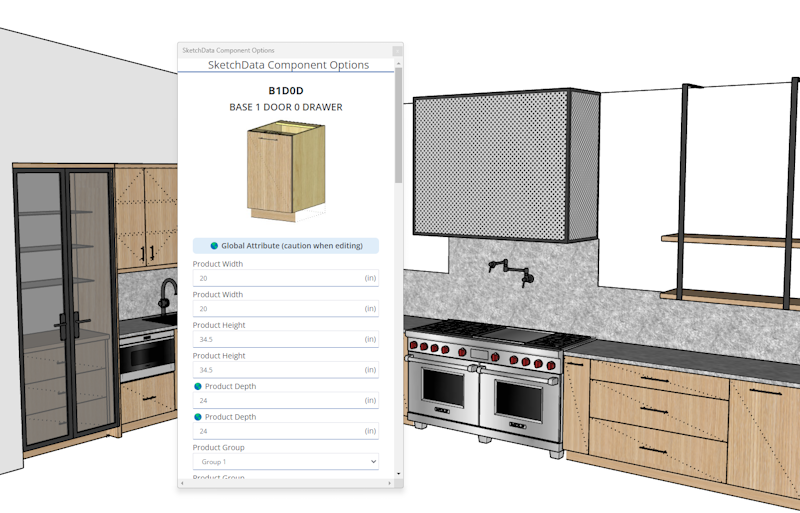
Component Options
SketchData's Component Options streamlines design, reducing iterations and minimizing costly errors. Its efficient workflow, vast pre-modeled elements, and real-time collaboration features contribute to time savings, translating directly into cost-effectiveness for design projects.

User-Friendly Interface
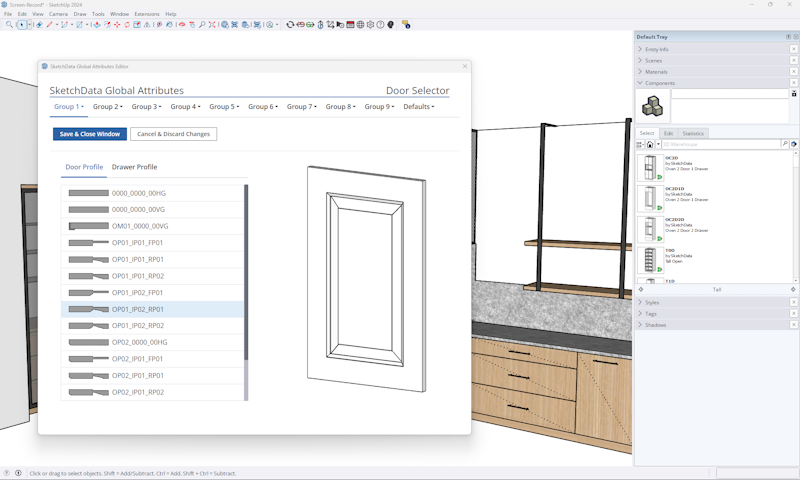
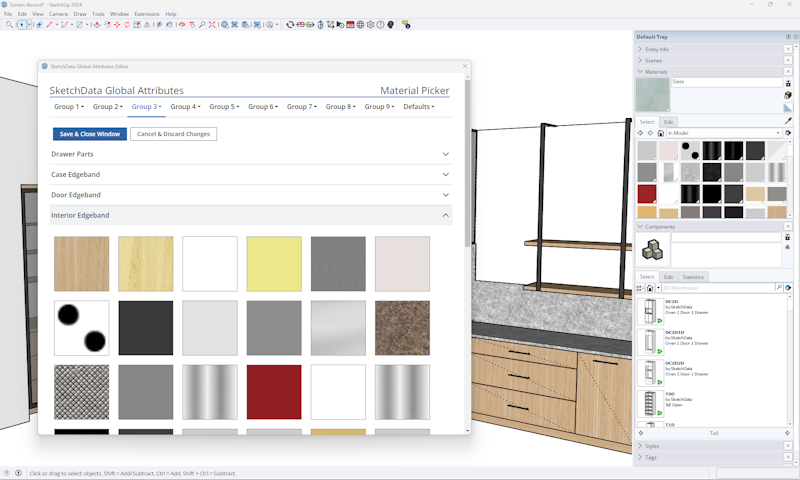
Quickly swap door styles, drawer styles, pull types, materials and standard configuration options with ease from an easily understood and used graphical chooser.

Global Attributes
SketchData simplifies designing in SketchUp through its user-friendly interface. With swift access to a diverse array of door styles and materials using Global Attributes, designers can effortlessly set and modify cabinet groups, ensuring a seamless process that enhances efficiency in creating detailed and visually appealing designs.

Save Time
SketchData accelerates design workflows by offering a comprehensive library of pre-modeled elements. With easy drag-and-drop functionality and real-time collaboration, it optimizes precision and efficiency, significantly saving time in the design process and getting you finished faster.
SketchData Reports
SketchData Reports is a SketchUp extension that generates component counts, pricing reports, and printable takeoffs directly inside SketchUp. Available in the SketchUp Extension Warehouse.

Component Count Reports
Automatically reads every named component in your SketchUp model and generates a precise count by type - sorted, organized, and ready to review.

Pricing Integration
Attach unit pricing to your components and let SketchData calculate totals automatically. Update a price, refresh the report - your estimate stays current with your model.

Print-Ready Reports
Generate clean, formatted paper reports you can hand to a client, subcontractor, or project manager - directly from inside SketchUp. No extra formatting required.

Model Transparency
See exactly what's in your model: every component instance, its definition name, how many times it appears, and where. Catch duplicates and discrepancies before they become problems.
Live Refresh
Changed the design? Refresh the report. SketchData pulls directly from your live model, so your data is always current - no re-exporting, no re-entering.

Runs Inside SketchUp
SketchData Reports lives in your Extension Warehouse panel. It's part of your SketchUp environment - no context switching, no second screen, no extra steps.
Take your drawings to the next level
Learn more about how SketchData software can help you be more productive, saving time and money.